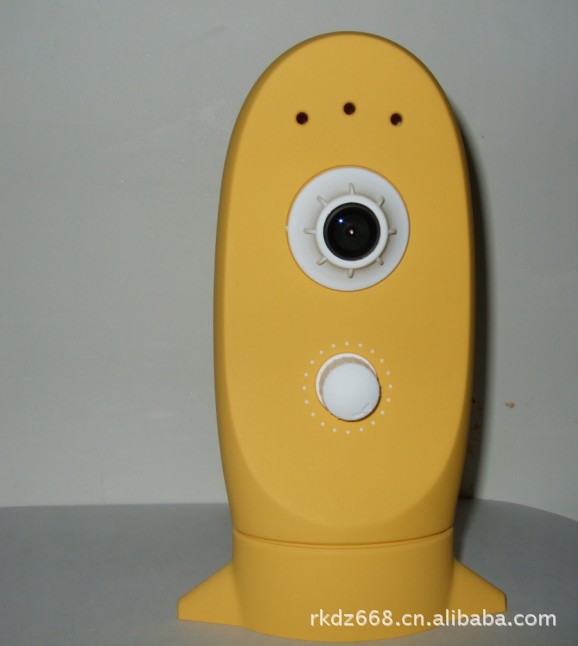

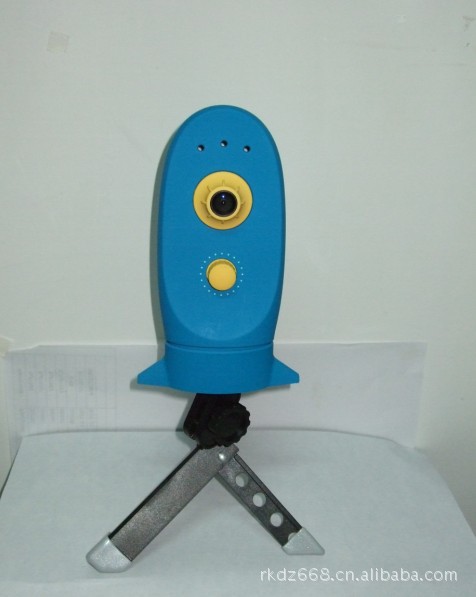



u TURN ON/OFF the camera
To turn on the camera: Press and hold the power button until red LED light on. After 30 seconds, the LED goes off and flashes every 3 seconds forreducingpower consumption.
To turn off the camera: press and hold the power button until red LED goes off.
u Charge the battery
Connect the USB connector with AC adapter, the blue LED lights on, after full charged, blue goes off.
u Mount and remove memory card
Mount card: put and push memory card into the microSD slot it until it is locked.
Remove card: the memory card will popup after it is pushed again.
u Setup time interval:
After camera power on, the default time interval is 10 minutes. Time interval can be set by the knob.
Note:Time interval must be set during the red LED on. It is no effect after it is off. You can press the power button and release it in 1 second for making red LED lights on.
u Reset camera
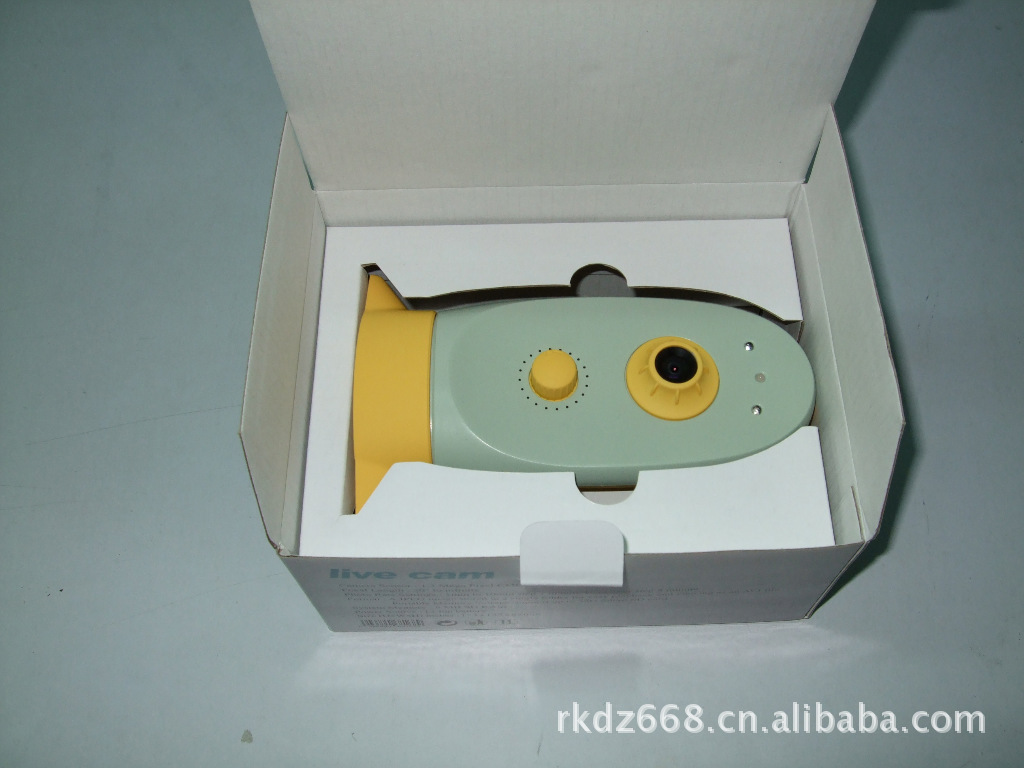
When the systemdoes not work, press theresetbutton hidden in mounting hole with a thin stick.
u Setup system time
1. Put microSD card in card reader and insert the reader into USB port in your PC.
2. Create a new file named “time.txt”.
3. Open the file and type current date and time by format “yyyy-mm-dd hh:mm:ss Y”then press enter.
4. Save file to root of memory card.
5. Power on the camera and the time will be update.
u Operation guide
- Make battery full charged.
- Mount memory card to card slot.
- Press and hold power button until red LED light on.
- Set time interval you wished by rotate the time knob.
- Make lens aimed to the object you want to take photos.
- After use, press and hold the power button until red LED goes off.
- Insert the card to USB port on PC by using a card reader.
- copy the directory contain photos to Hard Disk
- Execute program “JPGTOVideo.exe” in CD-ROM we offered.
- Select source directory and target directory then press “convert”.
- Waitpatiently until the conversion is finished.
Note:Program can’t run if “Microsoft .net framework “is not installed. Please make sure that “Microsoft .net framework” is installed.
Description:
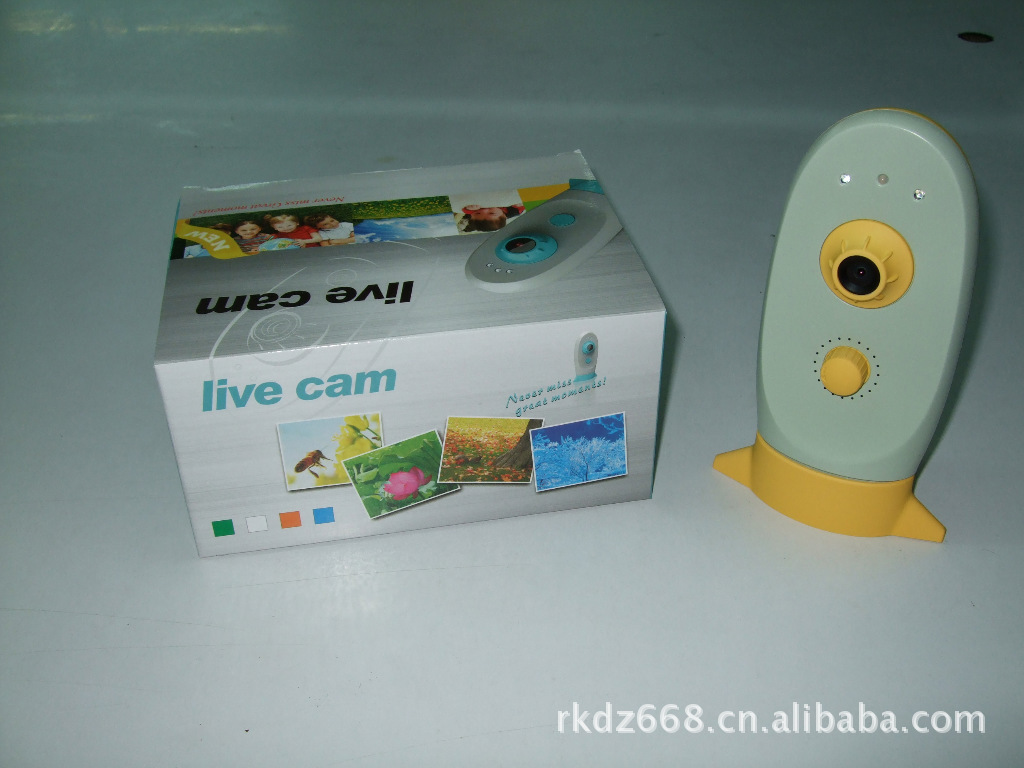
Reduced when the camera (also known as auto-shrink when camera / camera), that is taken by setting a certain time interval, the same scene or object to the same frequency will automatically take a long time continuous shooting, the formation of a frame by the thousands Zhang combination of continuous photo images, and automatically processing animation video which will take a long time to complete some of the process of enrichment for the few minutes the image presented. Eliminates the inconvenience of long photography.
Function
Our cameras produced in the original shrink, shrink the delay when taking pictures the camera can simply added a new video feature above. Not only can play your photos automatically generate dynamic images, but also the same as with a normal video camera. It has a broader scope than the camera's auto-life shooting, because it can be set as a variety of shooting time interval, can be battery-powered continuous shooting for up to several months to conduct a continuous shooting, the largest number of photos up to tens of thousands. All photos by matching the machine to generate a continuous action of a small software image, a dynamic play AVI format files.
Applications
This reduction is widely used when the camera can be indoor and outdoor use, while both the recreational and scientific purposes, because it can set a wide sampling interval can be different according to the time course of things, choose the right shot frequency and leisure aspects of life can be used to take bits and pieces, and outdoor shot taken; research, currently in plant growth, insect metamorphosis, birds brood, pests and potential channel recording animal behavior research have more applications.
In short, those who need some of the naked eye can not see the long process of showing the film in a relatively short period of time tasks, such as records of life scenes, flowers bloom, the situation changes and other natural phenomena, can be reduced when using the camera to complete.
It also has driving recorder of the performance, for almost every living space.
Features and Benefits
The use of automatic shooting, set the time interval can be freely photographed and automatically reduce processing time for the AVI video format
Mass storage: can extrapolated SD Card, the maximum capacity to support 32G
With a waterproof structure, and supporting bracket for easy outdoor shot taken
Video mode, with automatic coverage feature, to support long video.
Product parameters:
1: high-definition camera, 130W 2:20 a Time Option 3: maximum support 64G Micro SD cards 4: built-in battery, USB charging 5: Photo to AVI format playback 6: water 7: Set the time according to pictures, 8 can also be a long time recording: with a height adjustable telescopic stand