
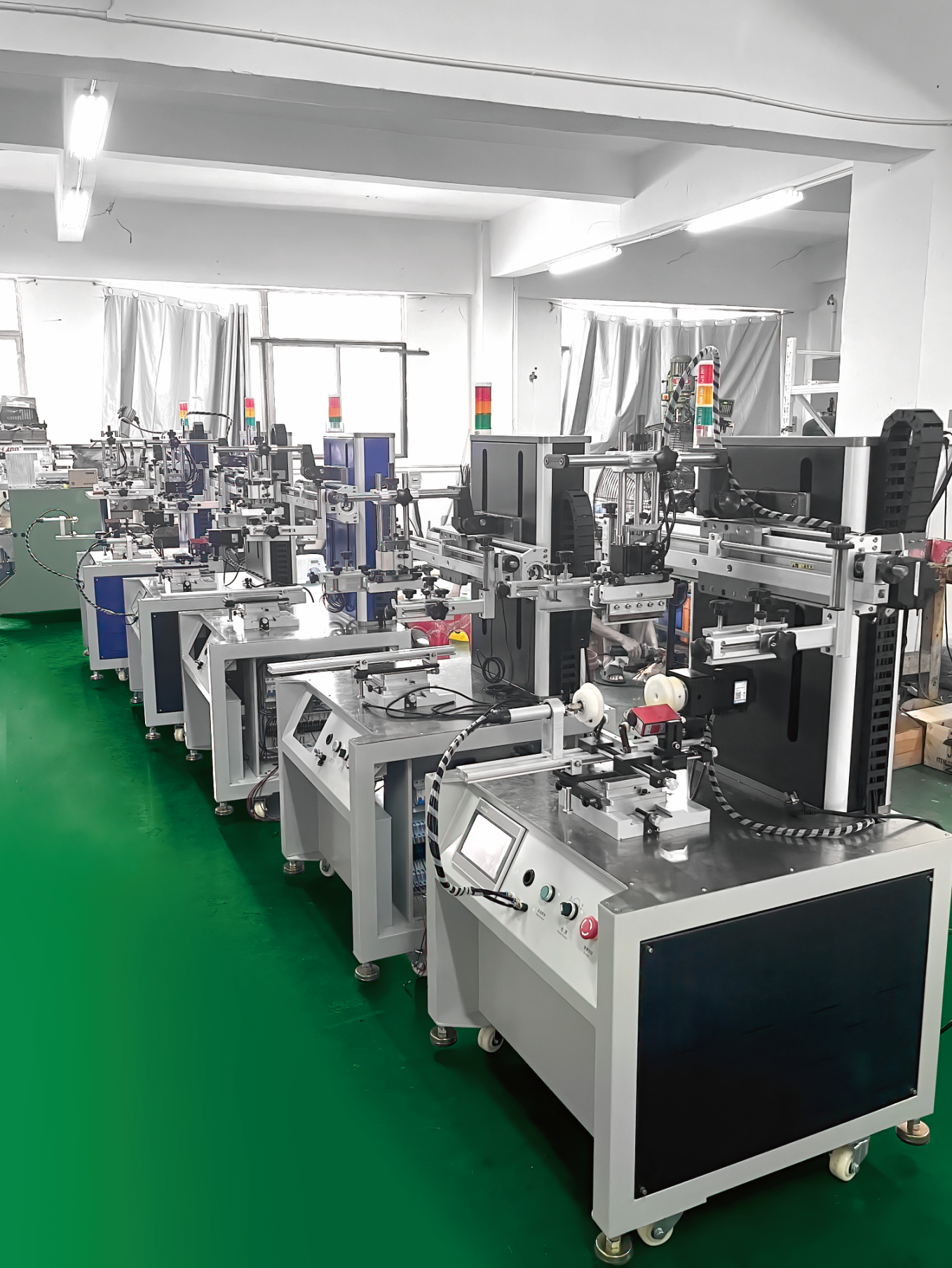
这是一款高精度圆伺服光标对位丝印机,运行速度块,性能稳定,可在较小的厂房空间组成丝印生产线,尤其适合印刷高精度的圆形场频,以及无定位点需要套色的圆形产品。左右,旋转采用高精密伺服单机,只需输入参数即可实现锁需要的印刷数据,精度到0.01MM。
东莞市力创兴自动化设备有限公司是自动化设备 移印机、单色移印机、双色移印机、多色移印机、全自动移印机、丝印机、平面丝印机、曲面丝印机、手动丝印台、全自动丝印机、拉网机、工业烤箱、晒版机、UV固化机、油墨、移印钢板、移印胶头、丝印配件、移印配件、进口油墨等产品专业生产加工的公司,拥有完整、科学的质量管理体系。东莞市力创兴自动化设备有限公司的诚信、实力和产品质量获得业界的认可。欢迎各界朋友莅临参观、指导和业务洽谈

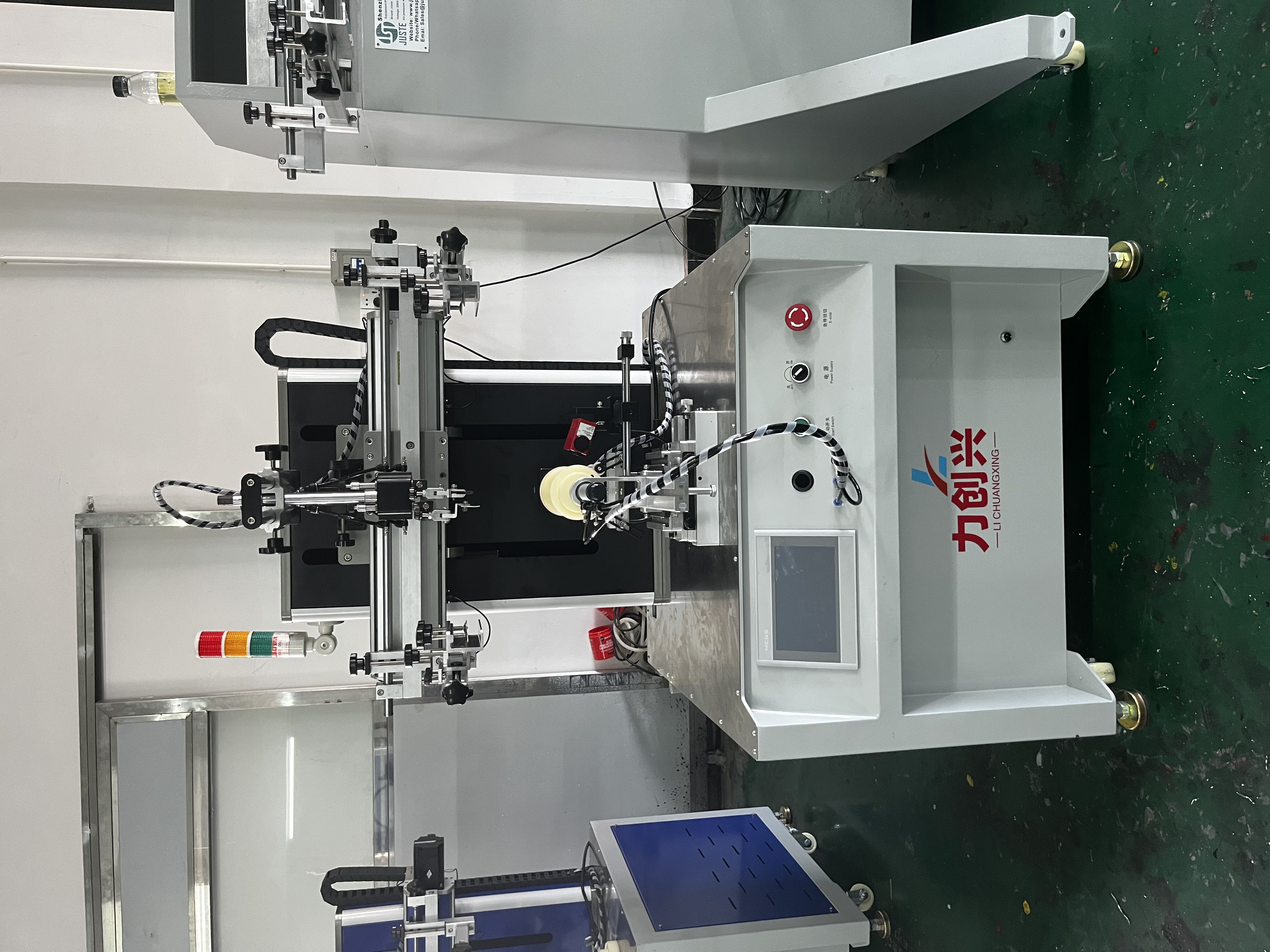

400SA 伺服丝印机操作说明书
400SA SERVO SCREEN PRINTER MANUAL
机械部件说明
一  操作步骤
操作步骤
1 基本参数输入 BASIC PARAMETER INPUT;
1) 网版左定位点(印刷起点)
SCREEN LEFT POSITION (START PRINT POSITION)
进入“印刷参数”界面,点“手动向左”。把网版移动到合适位置,然后将“印刷当前位置”显示的数值输入到网版左定位点。(确保已经复位之后再操作)
Push the “screen left” Make the screen frame in the start print position,then enter it; (do reset the machine before parameter input)
2) 网版右定位点(印刷终点) SCREEN RIGHT POSITION
(PRINT FINISH POSITION)
进入“印刷参数”界面,点“手动向右”。待网版移动到合适位置,然后将“印刷当前位置”显示的数值输入到网版右定位点。(确保已经复位之后再操作)
Push the “screen right” Make the screen frame in the print finish position,then enter it; (do reset the machine before parameter input)
3) 印刷自动速度 PRINT AUTO SPEED
印刷速度控制,即网版往右运动的速度;“印刷自动速度”不能为 0,否则运行过程中会出现网版不动作现象。
Enter the printing speed, the speed can not be “0”,it will not move;
4) 印刷返回速度 PRINT RETURN SPEED
“印刷返回速度”不能为 0,否则运行过程中会出现网版不动作现象。 Enter the print return speed,the speed can not be “0”,it will not move;
5) 产品直径 DIAMETER
将当前需要印刷的产品的直径大小输入到框内。直径为 0 会出现印刷时旋转不动作的现象;直径输入的数值与当前印刷产品的实际直径大小不符,则印刷图案比例会有问题。
Enter the diameter of your product; do check the diameter, if enter the diameter is different from your product, the print image will be changed;
6) 搜标速度 SEARCH TARGET SPEED
“搜标速度”不能为 0,否则搜标时旋转伺服不动作。
Enter the search target speed; the speed can not be “0”,it will not move;
7) 偏移 ROTARY SHIFT
按实际情况自行设定,详细说明浏览“参数界面说明”章节的“旋转参数”部分。
8) 印刷起始点 START POSITION
按实际情况自行设定,详细说明浏览“参数界面说明”章节的“旋转参数”部分。
9) 其他参数界面 OTHER PARAMETERS
按实际情况自行设定。详细说明浏览“参数界面说明”章节的“其它参数”部分。
10) 印刷次数 PRINT TIMES
按实际情况自行设定。详细说明浏览“参数界面说明”章节的“厂家参数”部分。
二 参数界面说明
1 开机画面 OPENING
开机有 15 秒的倒计时,倒计时结束后会自动弹出语言选择按钮,选择相应语言即可进入“运行画面”,目前有简体中文和英文两种语言可选择。
Choose the language you need;
2 运行画面 OPERATION
曲面丝印机 | Curved Surface Screen Printer | ||
计数 | Counter | Production Counter | |
计数清零 | Counter Clean | Counter Clean/Reset | |
刮刀 | Scraper | Scraper Movement Control | |
回油刀 | Ink Knife | Ink Knife Movement Control | |
网版上下 | Up/Down | Machine Movement UP/DOWN | |
回原点 | Original | Back To Original Position | |
伺服报警复位 | Reset | Reset The Machine | |
顶料前后 | Holding | Jigs Holder Movement | |
进入画面 | LOGIN | Login | |
刮油位ok | Stop Position | Printing Stop Position | |
回油位ok | Start Position | Ink Covering Position | |
搜标 | Search Target | Search Target | |
旋转零位 | Rotary Start Position | Rotary Start Position | |
网版当前位置显示 | Frame Current Position | Shows Frame Current Position | |
刮刀起始位置 | Scraper Current Position | Shows Scraper Current Position | |
回油起始位置 | Ink Knife Current Position | Shows Ink Knife Current Position | |
刮油速度 | Print Speed | Printing Speed | |
回油速度 | Covering Speed | Ink Covering Speed | |
放料等待时间 | Waiting Time | Stop/Waiting Time For Next Order | |
半自动 | Semiauto | Semiauto Model | |
停左 | Stop At Left | Printing Stop Position At Left Or Right | |
套色关 | Sensor OFF | Turn Off Color Sensor | |
产品当前位置显示 | Rotary Current Position | Rotary Current Position | |
产品直径 | Diameter | Show/Input Product Diameter | |
零点位置 | Original Position | Original Position | |
旋转速度 | Rotary Speed | Servo Rotary Jigs Speed | |
网版右移 | Right | Screen Frame Movement To Right | |
网版左移 | Left | Screen Frame Movement To Left | |
调机 | Set Up | Rotary Details Set Up | |
夹具正转 | Rotary Clockwise | Rotary Clockwise | |
夹具反转 | Rotary Anticlockwise | Rotary Anticlockwise | |
返回上画面 | Back To Main |
搜标 | Search Target |
追标速度 | Search Target Speed |
偏移位置 | Rotary Shift Position |
偏移速度 | Rotary Shift Speed |
调电眼?
How to use the color sensor?
1. Find a place without any printing,then push the red button (Teach) for 2 seconds; 先找一个空白点,没有印刷图案的地方,按住红色的按钮 2 秒钟;
2. Find a place with print, then push the red button(Teach);the yellow light is on, means the position is lock;然后找一个有印刷的位置,按一下红色得到按钮,黄色指示灯亮了,表示色标
伺服丝印机操作说明书